 Sada for Chrome
See your website the way AI assistants see it
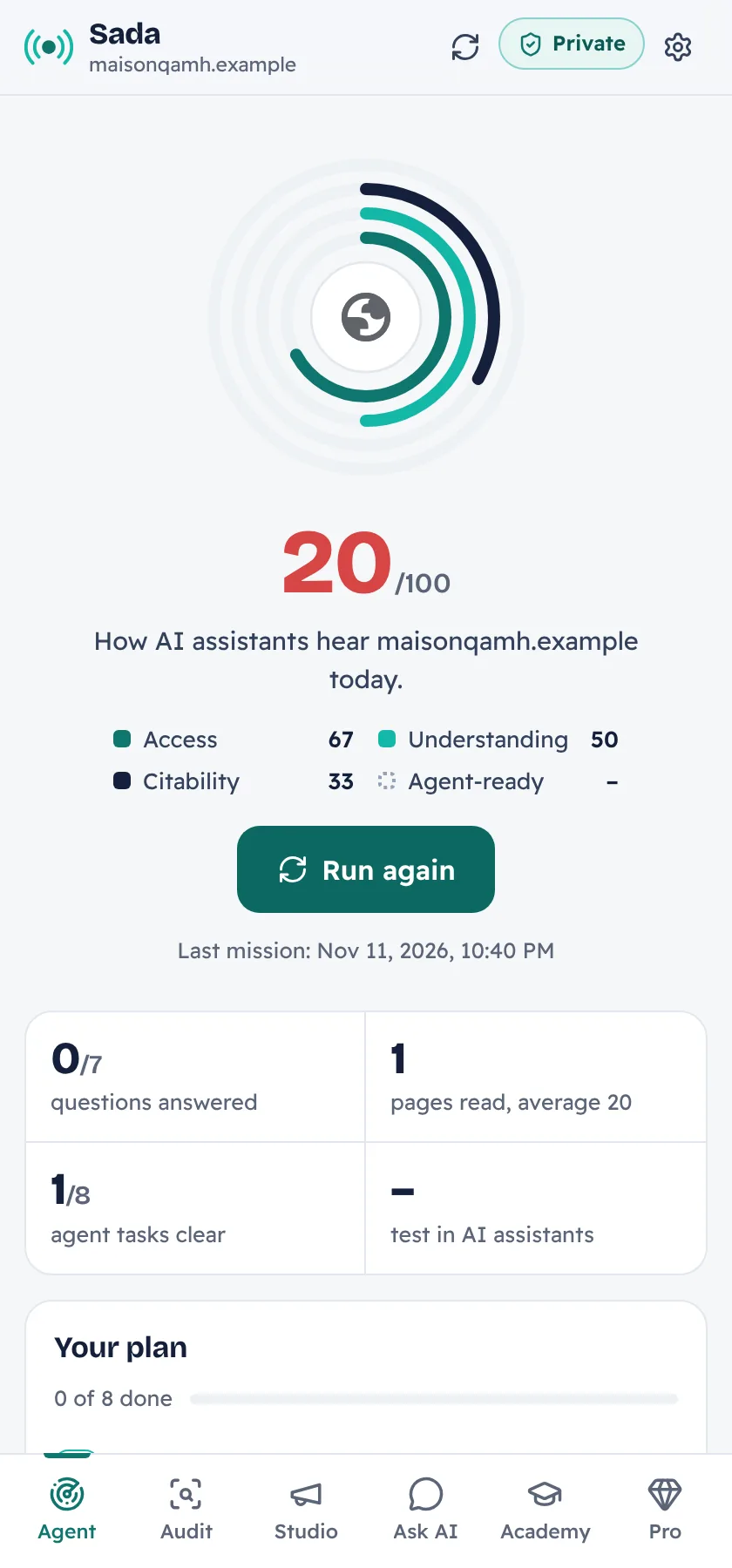
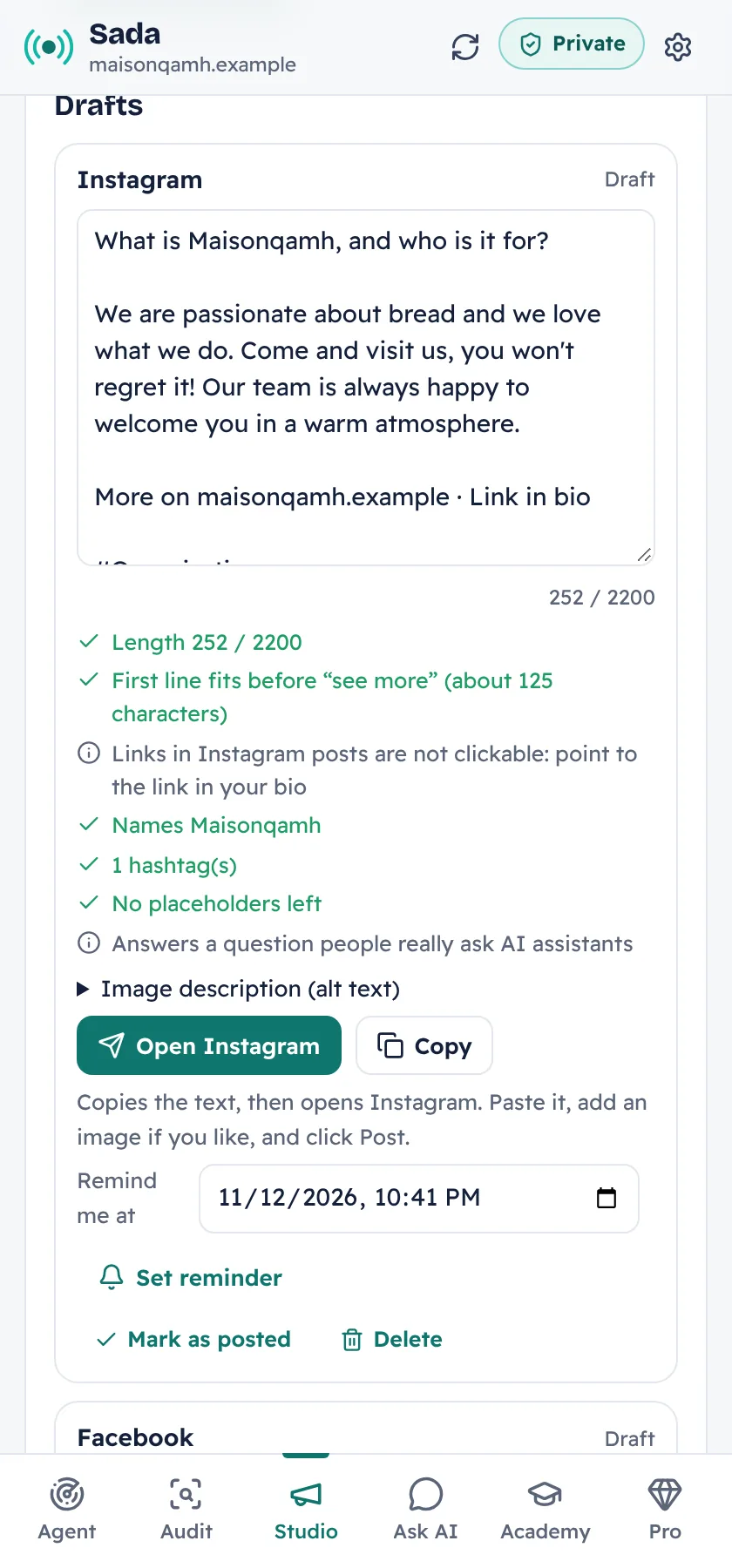
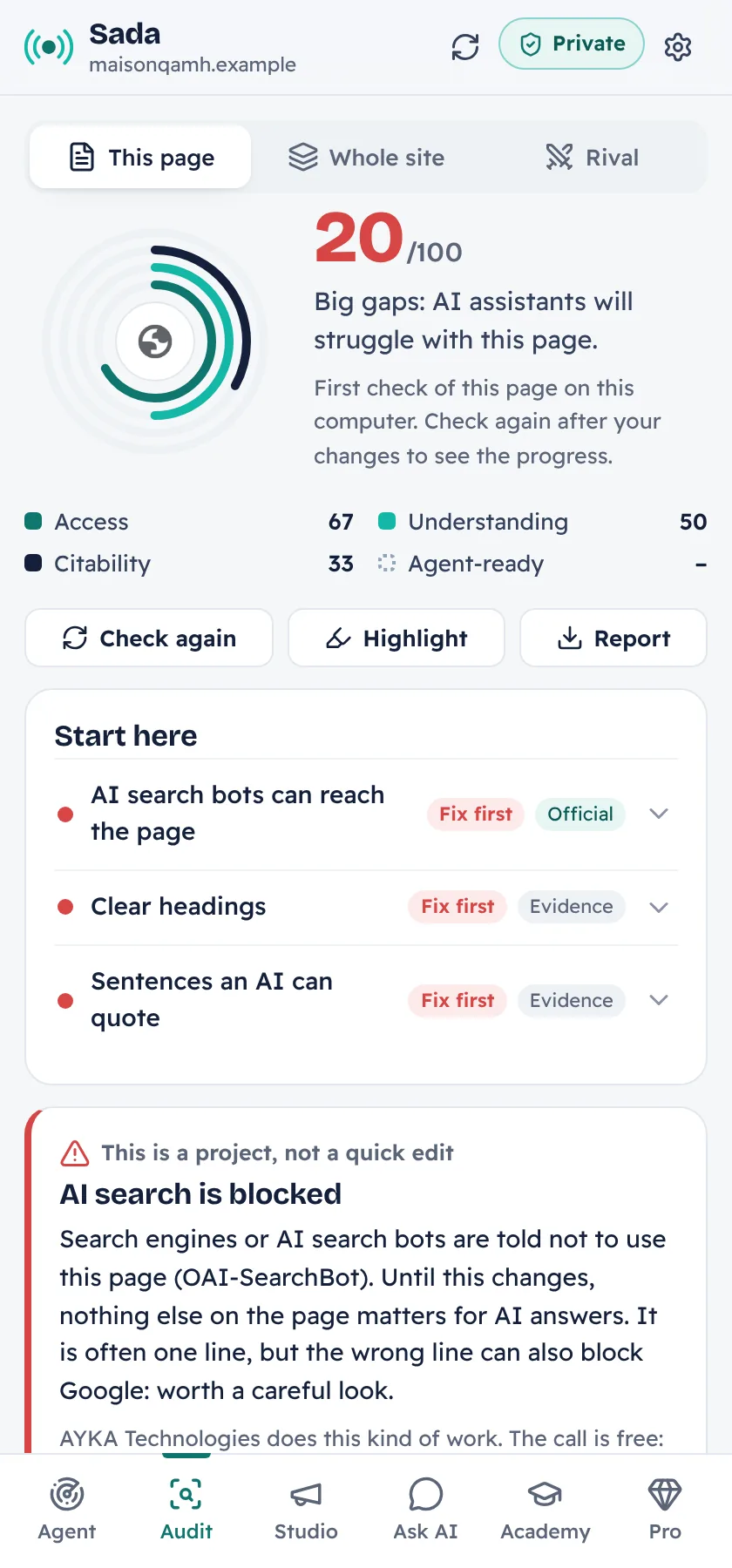
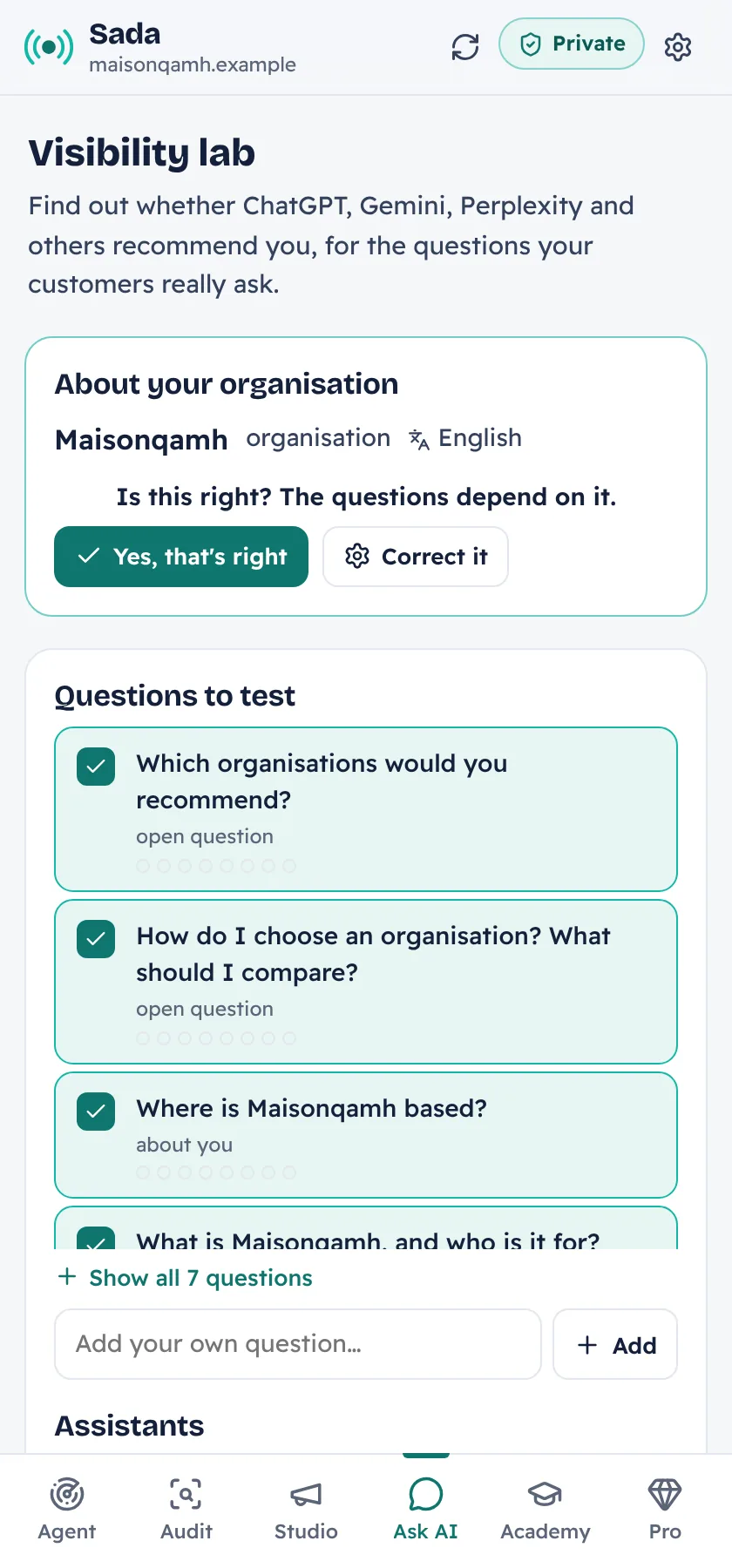
Sada is a free Chrome extension. One click sends an agent through your page: it reads it the way ChatGPT, Gemini and Perplexity do, predicts the questions your customers ask them, finds the answers your site is missing and builds your fix pack. Its Social Studio then turns your answers into posts for 12 networks, and Watch tells you when something breaks. It runs on your computer: no account, no API key, nothing sent.
Free. Chrome 116 or later. Version 0.8.5. Public source code (FSL-1.1-ALv2).
Public source code on GitHubFree · FSL-1.1 licence · no accountOne click, eight steps, about a minute
- Read the pageExactly what a crawler and a browser receive.
- Check AI crawler accessWhich AI search bots may read you, and what blocks them.
- Understand the businessName, type and place, as machines see them.
- Read the siteUp to 30 pages across your sections, from your sitemap.
- Predict customer questionsWhat people ask AI before choosing a business like yours.
- Find missing answersWhich questions your pages answer, passage by passage.
- Agent test driveCould an AI agent find prices, hours, contact, and book?
- Build the plan and fix packRanked actions and ready-made files to download.
What you get
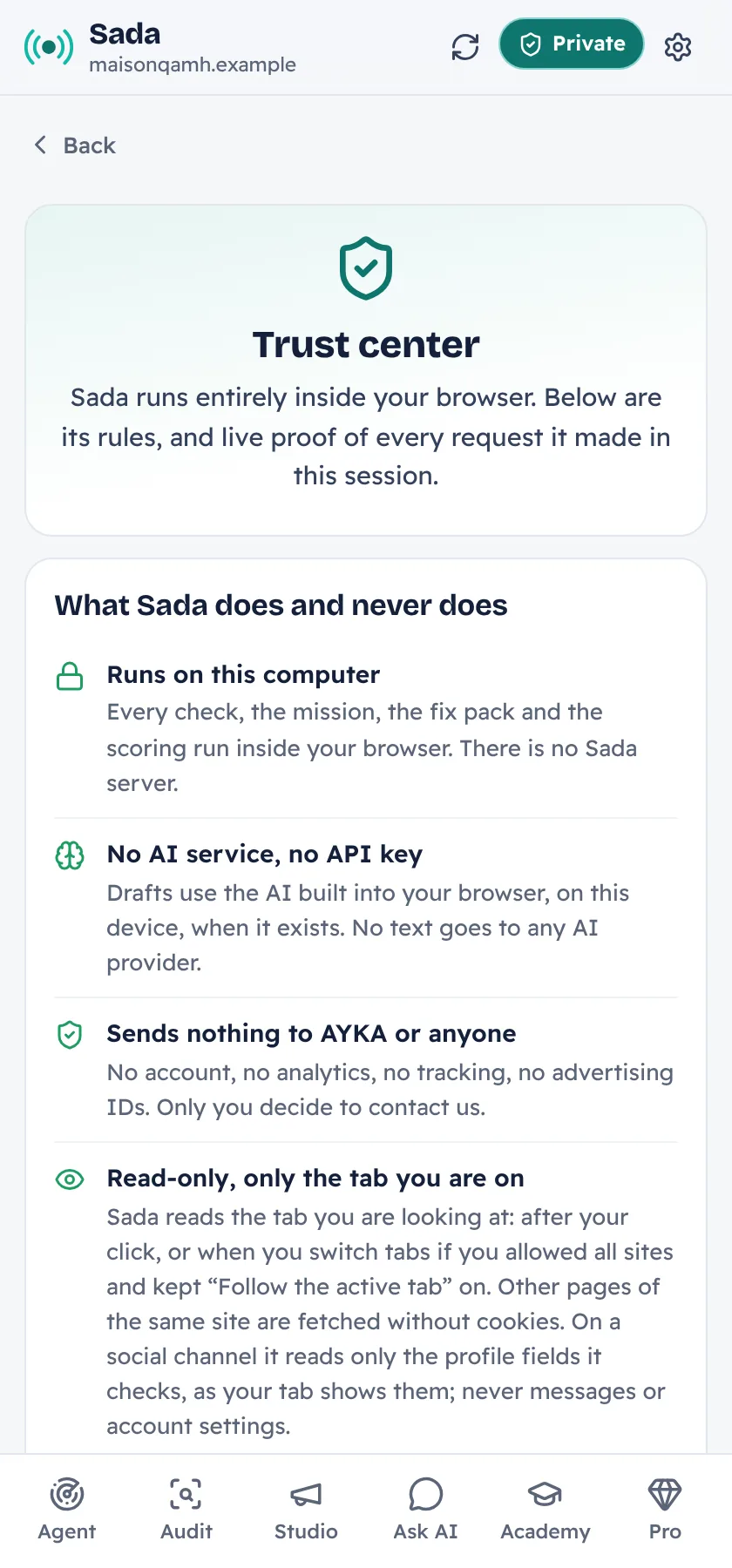
Private by design
Learn while you fix
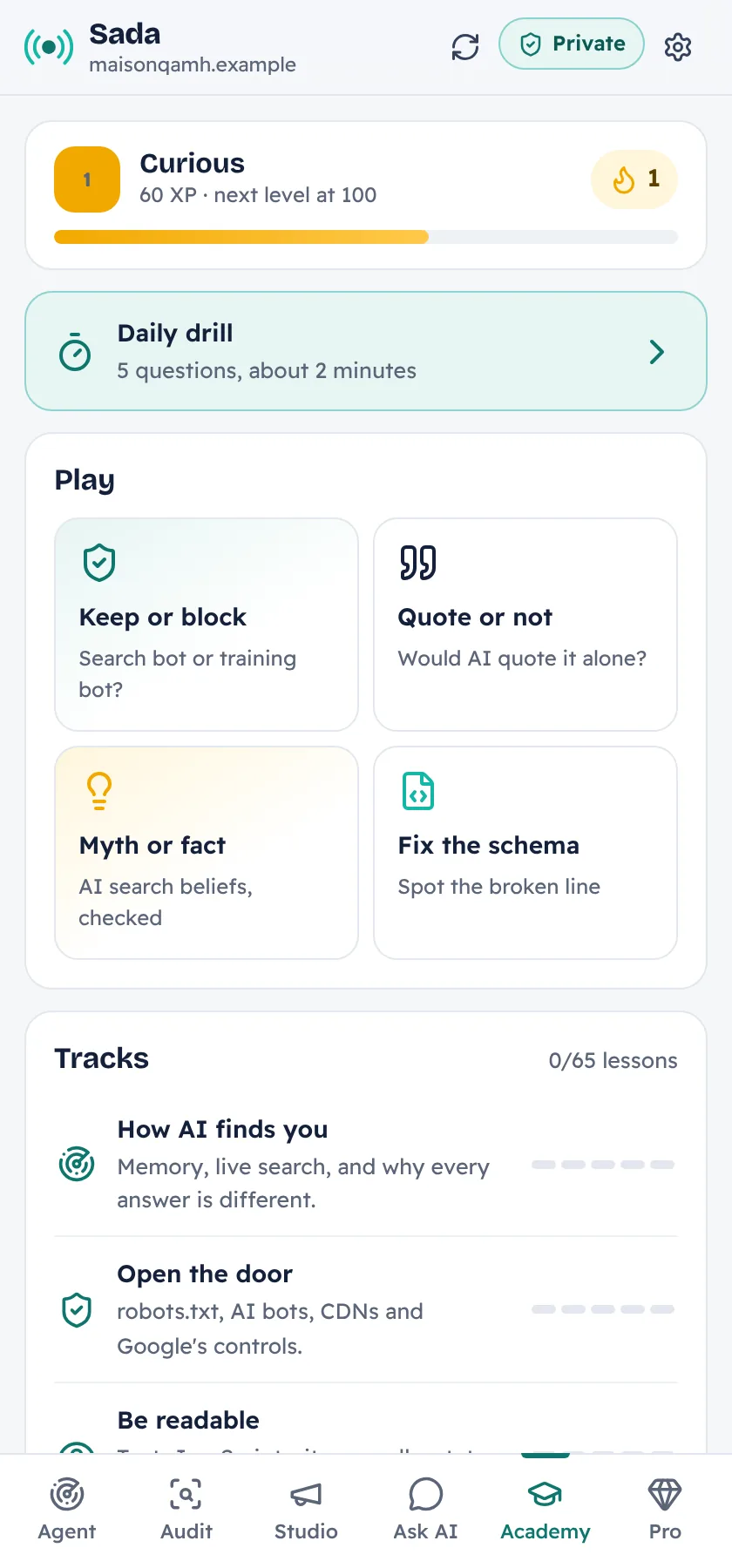
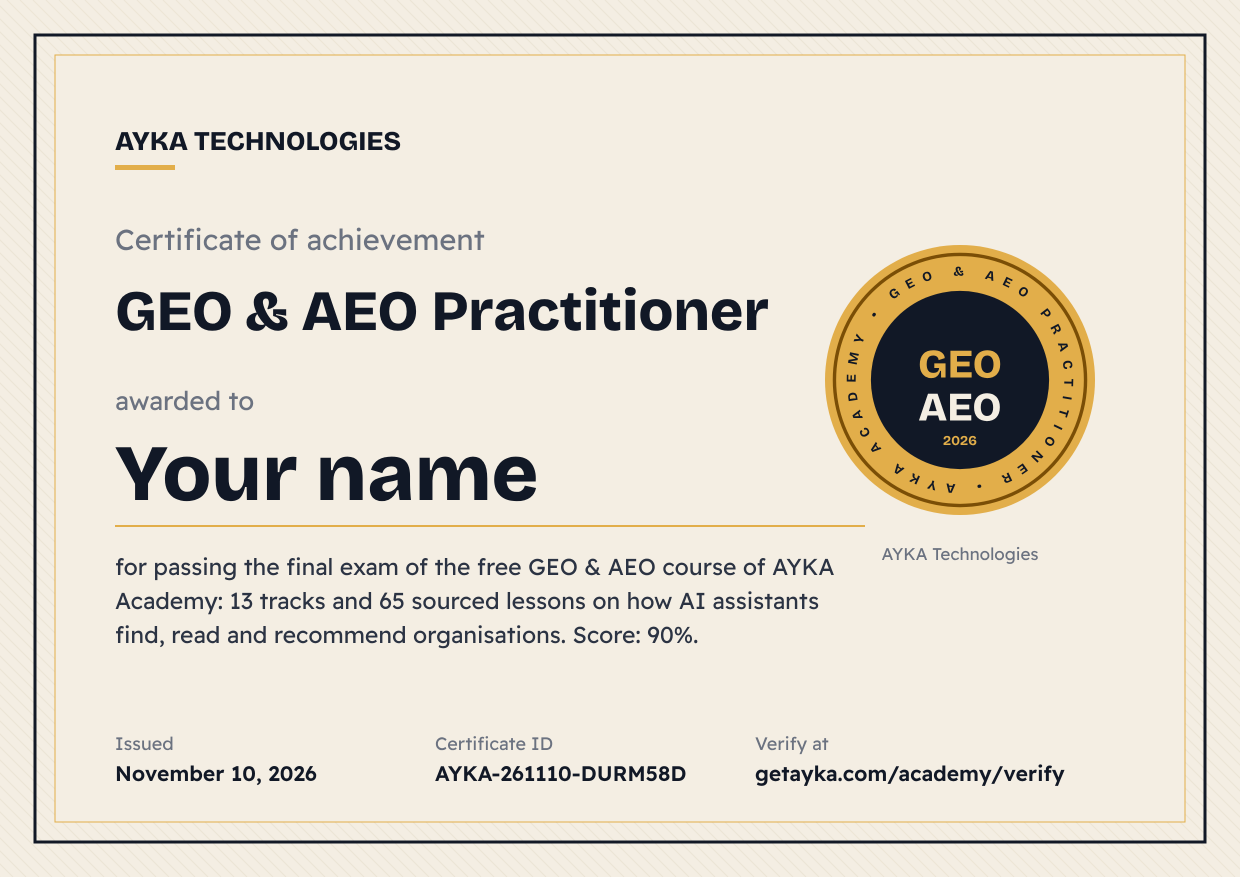
The Academy inside Sada is also a free course on this website, with an exam and a certificate you can add to LinkedIn.
Install Sada in 2 minutes
Sada is not in the Chrome Web Store yet, so Chrome installs it from a folder. Five steps, once.
Download started: Sada-by-AYKA.zip. Now follow these 5 steps.
Download Sada
Click the button. A file named Sada-by-AYKA.zip lands in your Downloads folder.
Downloads from GitHub, about 2 MB
Unzip it
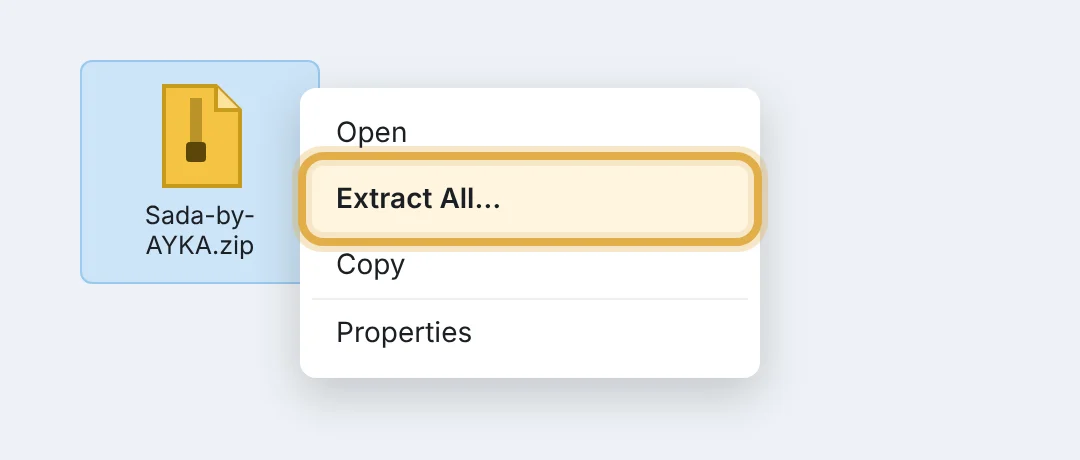
Right-click Sada-by-AYKA.zip, choose Extract All, then Extract. Keep the new Sada-by-AYKA folder: Chrome runs Sada from it. On a Mac, double-click the zip.
Turn on Developer mode
Open chrome://extensions (copy the address below and paste it into Chrome's address bar) and switch on Developer mode, top right. It only lets Chrome load an extension from a folder.
chrome://extensions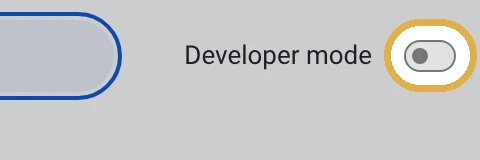
Load the folder
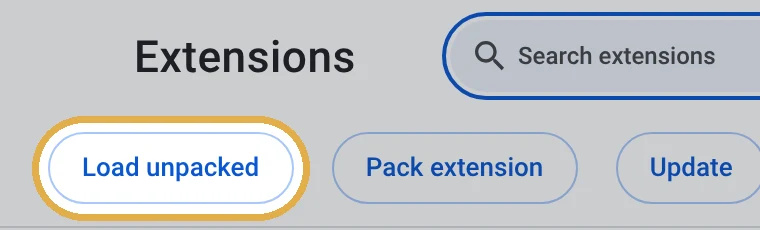
Click Load unpacked and choose the Sada-by-AYKA folder, the one with manifest.json inside.
Pin it and start
Sada now shows in the list. Click the puzzle icon in the toolbar, pin Sada, open your website and click the Sada icon.
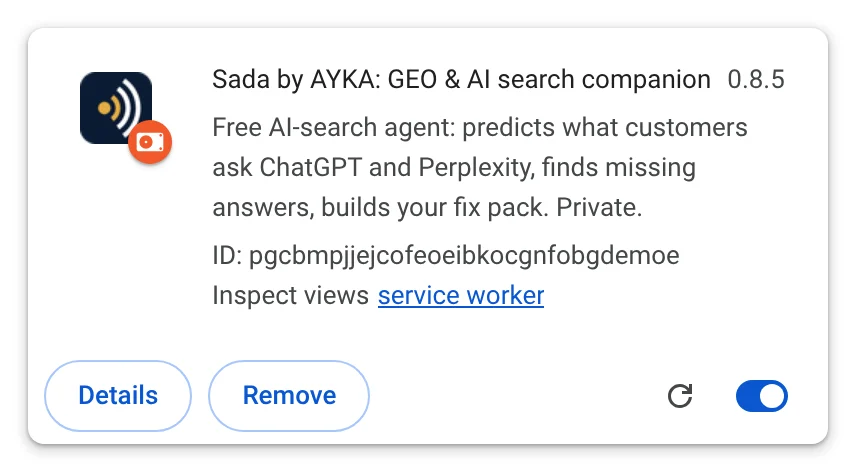
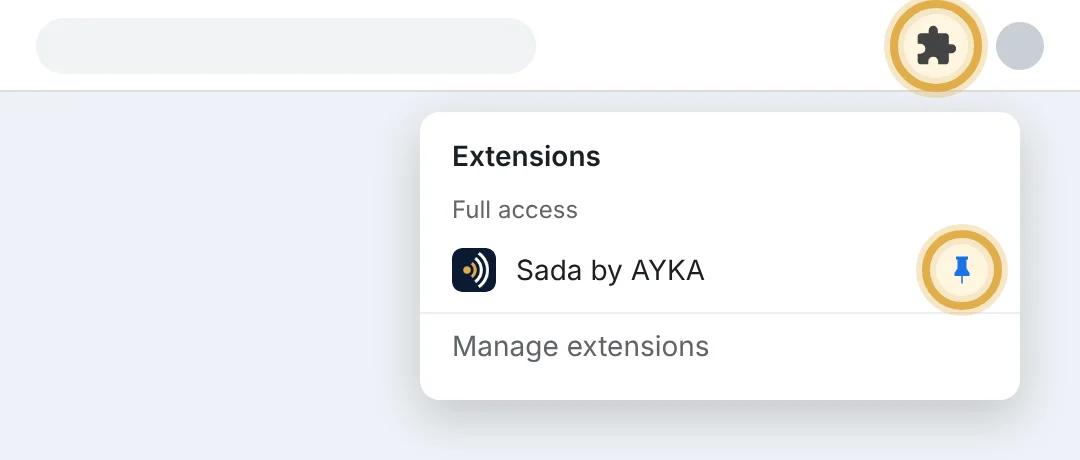
Your Chrome shows these buttons in your own language. Later updates: download the new zip, unzip it over the same folder, then click the reload arrow on Sada in chrome://extensions.
Rather have it done for you?
Some fixes are quick; others, such as crawler rules, structured data or a site-wide rewrite, are projects. AYKA Technologies does this work. The call is free: show us the site, we tell you what we would fix first and send you a personalised quote.
Questions
Is Sada free?
Yes. The agent, the audit, the fix pack and the Academy are free, with no account.
Does Sada send my data anywhere?
No. Sada runs in your browser and has no server. The Trust center shows every request it makes, live.
Do I need an AI subscription or an API key?
No. When Chrome's built-in AI is available on your computer, Sada uses it to draft better sentences. Without it, every check still works.
Which browsers does it work in?
Google Chrome 116 or later, on Windows, macOS, Linux and ChromeOS.
Can it break my website?
No. Sada only reads pages. Changes are yours to make, with the files and texts it prepares.
Does Sada post on my social accounts?
No. Social Studio prepares the drafts and opens the platform's own window with the text; you click Post. Platforms forbid automation tools, and this keeps your accounts safe.
Who makes Sada?
AYKA Technologies, a company that helps businesses be found and recommended in search and AI assistants.